Whether you’re submitting an essay, polishing blog posts, or trimming social media posts to fit character limits, knowing the exact number of words and characters in your text is non-negotiable. ToolkitsGo’s free word counter tool makes that instant-no signup, no downloads, just accurate results.
What is a word counter (and why it matters in 2026)?
A word counter is a browser-based counter tool that analyzes any current text you provide and reports words characters sentences and paragraphs in real time. Word counters can measure words, characters, sentences, and paragraphs all at once, and many word counters report character counts useful for social media or application forms too.
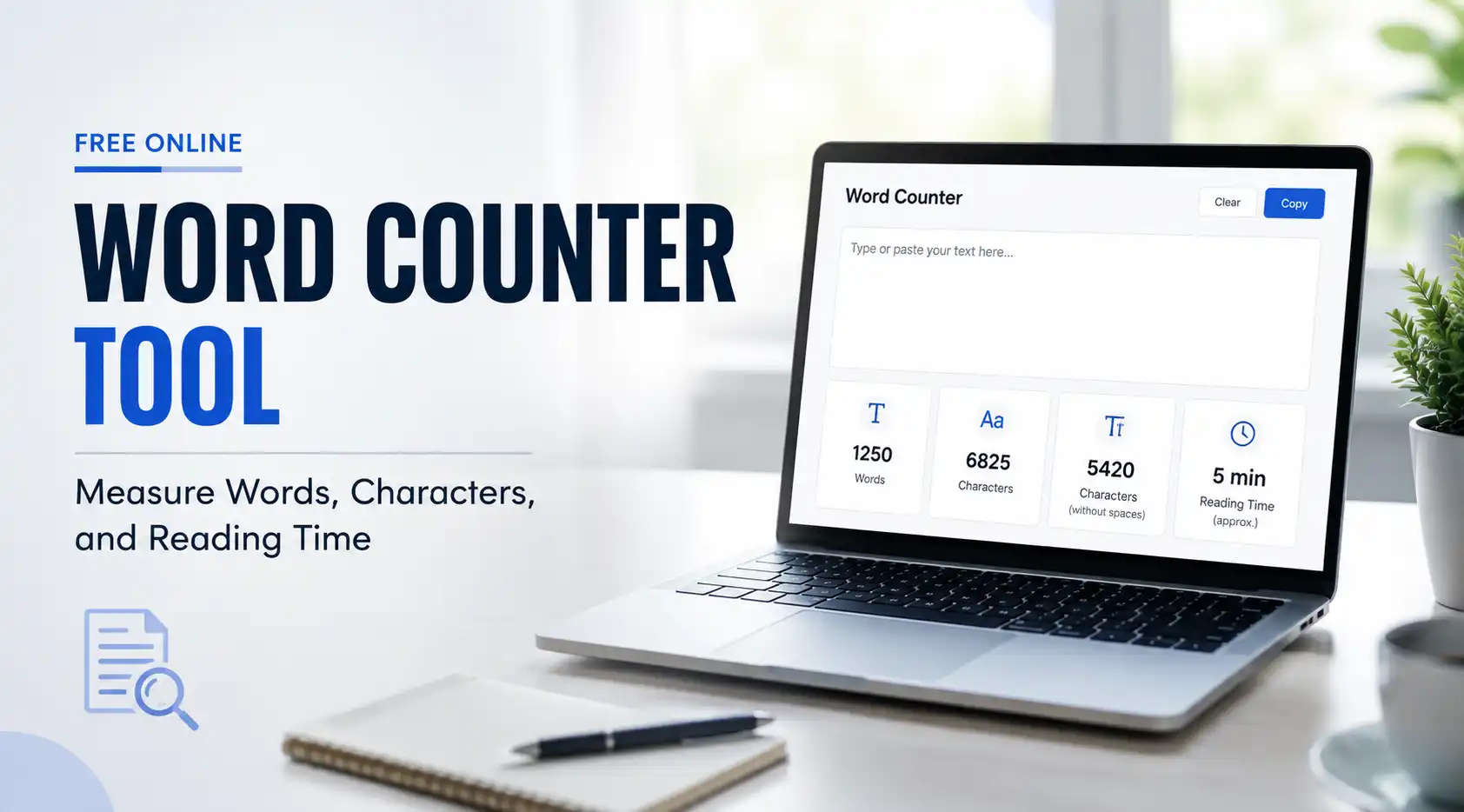
Here’s what ToolkitsGo’s word counter tool reports:
- Word count and unique words (vocabulary diversity)
- Character count with and without spaces
- Sentence count and paragraph count
- Estimated reading time (~238 wpm) and speaking time (~130–150 wpm)
Hyphenated words like “long-term” and “follow-up” are treated as one word, matching the conventions of Google Docs and Microsoft Word. Standalone numbers such as “2026” count as a single word. Accented letters (é, ñ, ü) and emojis are handled correctly through Unicode-aware counting, so they don’t distort your data.
For example, a 1,000-word blog post takes roughly four minutes of reading time, while a 280-character tweet sits right at the Twitter/X limit.

How to use ToolkitsGo’s free word counter tool
Getting your word and character counts takes seconds. Many writing programs and online tools provide real-time word count statistics, and ToolkitsGo is no exception-simply paste your text and watch metrics update with every keystroke.
- Open the ToolkitsGo word counter page in any browser.
- Start typing directly, or simply paste your draft with Ctrl+V / Cmd+V.
- Watch word count, character count, reading time, and speaking time refresh instantly-no page reloads.
- Toggle between characters with spaces and characters without spaces for precise character counter readings.
- Use the clear button to reset the text box or one-click copy to grab your cleaned text.
Quick usage ideas:
- Paste a meta description and confirm it stays within 155–160 characters so search engines don’t truncate it.
- Trim a 320-character draft tweet down to 280 characters (since Twitter posts are limited to 280 characters).
- Check that an Instagram caption fits under the 2,200-character cap.
Key features: what ToolkitsGo’s word and character counter measures
ToolkitsGo goes beyond a basic online tool. It gives a full snapshot of your text for SEO articles, academic writing, and creative writing alike. Word count impacts readability and user engagement, so tracking word count with granular metrics matters.
- Words and characters: total number of words, character count with and without spaces, plus unique words to gauge vocabulary richness.
- Sentences and paragraphs: sentence count and paragraph count help you spot long sentences that hurt clarity, since heavy word counts can signal slow pacing.
- Reading and speaking time: based on research showing adults read ~238 wpm, the tool estimates silent reading time; speaking time uses ~130–150 wpm-so 1,300 words ≈ a 10-minute presentation.
- Keyword density: the tool highlights top keywords with density percentages (e.g., “2.1%”), helping you avoid keyword stuffing.
- Style indicators: average sentence length and average characters per word reveal whether your writing is accessible or too dense.
- Privacy and speed: everything runs in your browser. Your text never leaves your device, keeping private drafts and client work secure.
Other tools like Softtrix’s counter also count words, characters, sentences, and paragraphs, and Quillbot’s tool counts words and characters simultaneously. ToolkitsGo combines these capabilities with keyword density and reading level analysis in one free interface.
When should you use a word counter? (Common real-world scenarios)
Use a word counter any time you need to know how many words or characters a piece of text contains for a specific limit or goal. Word counters help meet specific word count requirements across virtually every writing context.
- Academic and professional work: most universities specify essay length in words, not pages. Essays require specific word count ranges-a 1,000-word essay typically includes three to four supporting paragraphs. Research abstracts often need to summarize in about 300 words. Meeting word count requirements for cover letters or assignment limits avoids penalties when submitting work.
- SEO and blogging: longer content correlates with better SEO performance, and top-ranking blog posts average between 1,500 and 2,500 words. Checking keyword density and optimizing meta descriptions within recommended character limits directly improves content quality.
- Social media and ads: respecting character limits on social media posts-280 characters for Twitter/X, ~2,200 for Instagram-keeps your posts on-spec. Quillbot’s tool shows character limits for social media posts, but ToolkitsGo provides the same guidance alongside word and character counts.
- Creative writing: a standard adult novel typically contains 80,000 to 100,000 words. Many writers set daily targets like 500 or 1,000 words. Word counts help estimate project completion times-for example, NaNoWriMo demands ~1,667 words per day. Contests reject entries that are too long, and editors set exact lengths for articles, so tracking progress is essential.
- Client work: agencies and freelancers use ToolkitsGo to prove deliverables hit contracted word counts for pages, scripts, or landing pages.
Who benefits most from a free online word counter?
ToolkitsGo’s free online counter tool serves writers across disciplines-students, marketers, authors, and business owners all save time with instant metrics.
- Students and academics: from 250-word discussion posts to 5,000-word dissertations, accurate word and character counts prevent penalties. Quillbot’s word counter is free and easy to use for basic checks, but ToolkitsGo adds reading level and keyword analysis that help with research papers and seo articles.
- Bloggers and SEO professionals: planning longer content around 2,000+ words, tracking keyword density for primary keywords, and fine-tuning meta descriptions within precise character limits. Like Word Count Tool, ToolkitsGo updates counts in real time as you type.
- Social media managers: the character counter keeps posts on-spec across platforms-LinkedIn truncates around 210–250 characters, and Instagram caps captions at 2,200.
- Authors: a word counter helps writers track progress toward daily targets. A standard adult novel ranges from 80,000 to 100,000 words, and reading time estimates help plan podcast narrations or spoken-word performances.
- Small business owners and freelancers: scope writing projects by word count, price work accurately, and check web copy before publishing. For more ideas, see our Content Creator’s Toolkit: 8 Free Tools Every Writer Needs in 2025.
How ToolkitsGo counts words, characters, and hyphenated words
Word counts can vary between tools because different tools can count certain cases slightly differently. Here’s how ToolkitsGo handles common words and edge cases.
- Word boundaries: words are split on spaces and punctuation, so “email,” and “email” both count as one word. Numbers like “2026” also count as one word.
- Hyphenated words: compounds like “state-of-the-art” and “time-saving” are treated as one word. Some style guides may count them differently-check your professor’s or publisher’s rules if the exact number matters.
- Character counting: “characters with spaces” includes every character including spaces; “characters without spaces” strips them. For example, “Hello world” = 11 characters with spaces, 10 without.
- Special characters: the Unicode-aware character counter handles accented letters correctly-é, ñ, and ü each count as one character, not two. Emojis surrounded by spaces count as individual words.
- Alignment: ToolkitsGo aims to match Google Docs and Microsoft Word within about 1% for typical English text, minimizing surprises when you move drafts between platforms.
Beyond counting: using ToolkitsGo for SEO, readability, and writing workflow
ToolkitsGo is part of a broader toolkit of free online utilities. You can analyze and refine text without leaving the browser or creating accounts-ideal for writing goals that span multiple tasks.
- SEO and keyword density: paste a draft, check density for your main keyword and related phrases, and adjust to stay in the 1–2% range. Using a word counter helps you stay concise during writing, and budgeting words forces you to cut fluff that dilutes your message.
- Readability and engagement: reading time helps plan content length-a 5-minute, ~1,000-word article works well for blog posts and landing pages. Average sentence length signals if copy is too dense for your audience. Track your word count before and after editing to see progress and keep writing time efficient.
- Cross-tool workflow: after counting words, switch to the Text Case Converter for advanced text formatting or compress images with the Image Compressor-all without uploading files or signing up.
- Social media and short-form content: use the character counter to A/B test two versions of a tweet or LinkedIn hook while staying under platform word limits.
All these tools are free, browser-based, and require zero accounts. Open ToolkitsGo’s word counter, paste your text, and start refining your next piece.