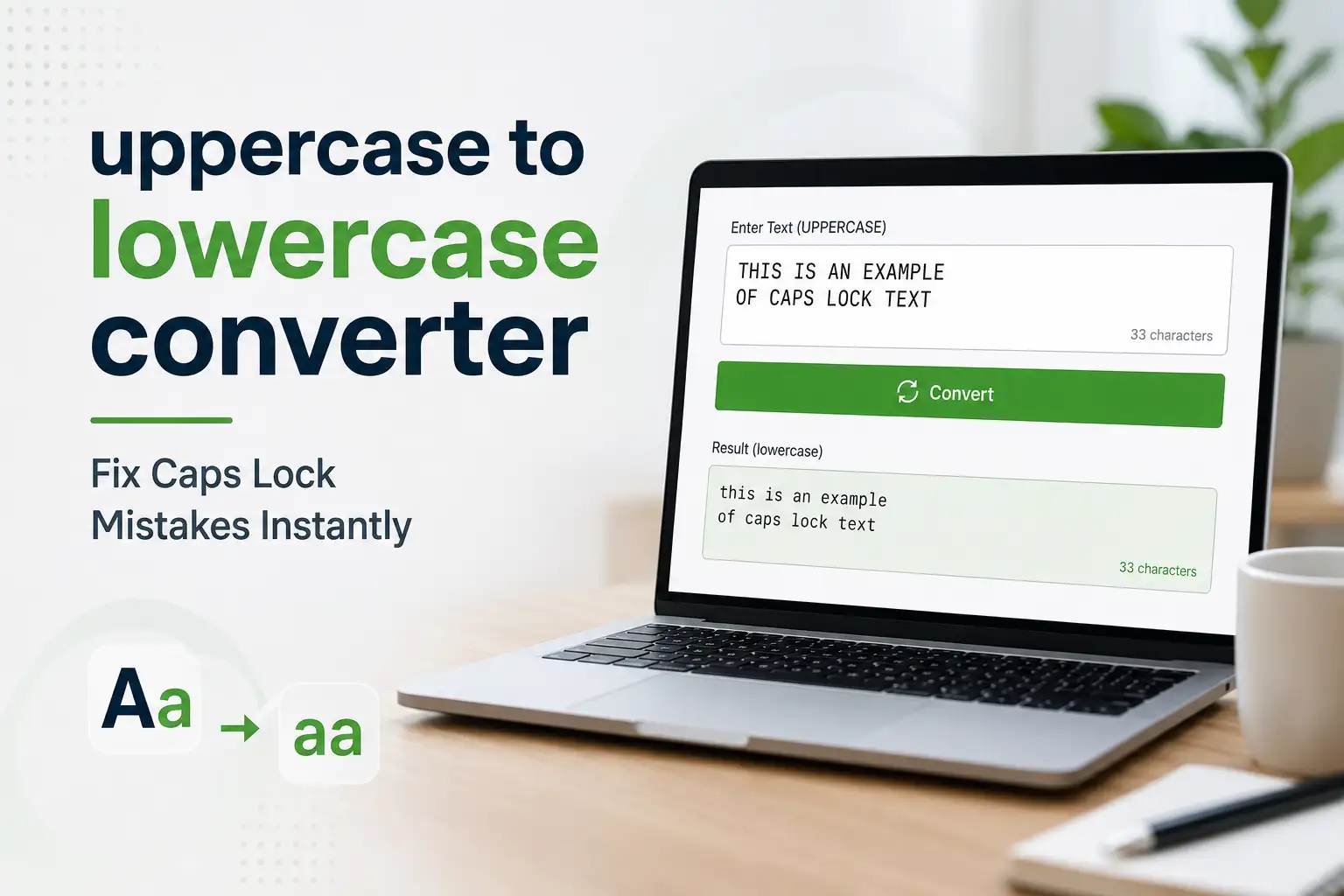
We’ve all been there-you finish typing a paragraph only to realize Caps Lock was on the entire time. Instead of retyping everything, use ToolkitsGo’s free uppercase to lowercase converter to fix it in one click.
What Is an Uppercase to Lowercase Converter?
An uppercase to lowercase converter is a free, browser-based tool that instantly helps you convert case, including turning capital letters into small letters in one click. ToolkitsGo’s converter is built for freelancers, content creators, students, digital marketers, small business professionals, developers, and anyone who needs fast text case conversion without signup, downloads, or manual retyping. It’s useful when you need to fix caps lock mistakes, improve readability, standardize formatting, or clean up text before publishing, sharing, or importing it into a spreadsheet or database.
Here’s what we mean by “uppercase” and “lowercase” in a capital letter converter. Uppercase letters are the capital letter forms A–Z, while lowercase letters are the smaller forms a–z. For example, pasting “WELCOME TO TOOLKITSGO” into the tool produces “welcome to toolkitsgo,” making it a simple lower case text converter.
Online case converters change text from uppercase to lowercase and can also handle mixed capitalization in documents, code, spreadsheets, and social posts. If you input “HELLO world 2024!” the converter transforms only the upper case letters, giving you “hello world 2024!” while preserving numbers and punctuation.
This guide shows how to use ToolkitsGo’s uppercase to lowercase converter, when to use it, the benefits of case conversion, the other text case options available, and how it compares with doing the same job in tools like Word or Excel. It also explains why ToolkitsGo is a practical choice when you want quick, consistent text formatting without tedious manual edits.
How to Use ToolkitsGo’s Uppercase to Lowercase Converter (Step‑by‑Step)
You can convert text from uppercase to lowercase in under ten seconds-no signup, no download required. Here’s how the Text Case Converter works:
Step 1: Paste or type your text into the input area. Whether it’s a 2,000-word blog draft, a CSV column exported from Excel, or a quick social media posts caption, simply copy and paste your input text into the large text box at the top of the page.
Step 2: Click the “Lowercase” button. The tool will automatically convert all the letters from upper case to lower case instantly. It processes multi-paragraph content as a single block, so even long documents are handled in one pass. You can also click other tools like the capitalized case tab, sentence case converter, title case converter, or alternating case converter buttons for different outputs.
Step 3: Copy the result. Use Ctrl+C (or Cmd+C on Mac) to simply copy the converted plain text back into Word, Google Docs, your email client, CMS, or code editor. ToolkitsGo also provides a “Copy” button below the output for convenience.
The tool works across desktop, laptop, tablet, and mobile browsers-Chrome, Firefox, Safari, and Edge-without extensions. Content writers and students can bookmark the web page URL for quick access whenever they need to easily transform text during editing documents.

Why Convert Uppercase to Lowercase? Practical Use Cases
Lowercase and sentence case are the default for most professional writing. All caps is often accidental-and almost always harder to read.
The caps lock problem: Imagine typing a 500-word email in Outlook with caps lock accidentally left on, or importing survey responses like “GREAT SERVICE” and “BAD EXPERIENCE” into Google Sheets. Retyping isn’t practical. A lowercase converter fixes everything at once.
Readability matters: Studies confirm that long spans of all-caps text slow reading speed because uppercase and lowercase letters create distinct word shapes through ascenders and descenders, which aid recognition. Properly capitalized text improves readability and understanding, especially on mobile screens.
Web and UI design: Converting button labels like “SUBMIT ORDER” to “Submit order” matches modern interface patterns. Normalizing FAQ text scraped from old HTML pages into normal text saves time before publishing. For guidance on avoiding common text formatting mistakes, check ToolkitsGo’s formatting guide.
SEO and data workflows: Cleaning product titles like “LAPTOP BACKPACK BLACK” to lower case text before applying sentence formatting, where the first word is capitalized, keeps category pages and meta descriptions consistent.
Tone: All caps feels like shouting. Lowercase or sentence case looks friendlier for blogs, newsletters, ad copy, and in-app messages-key for casual writing and brand voice.
Key Features of ToolkitsGo’s Case Converter Tool
This isn’t just a single-function tool. It’s a flexible text converter designed for daily use by content writers, students, marketers, and developers.
Supported conversions include:
- Uppercase to lowercase (and the reverse-an uppercase converter)
- Sentence case converter (capitalize only the first letter of each sentence)
- Title case converter (title capitalization for headings)
- Capitalized case (capitalize the first letter of every word)
- Alternating case converter (playful upper/lower pattern)
- Toggle case (inverts existing capitalization)
The tool provides toggle behavior for various contexts. For instance, it can flip capital letters and small letters so “THIS is A TEST” becomes “this is a test” in lowercase, or “This Is A Test” in capitalized case-depending on the button you choose.
Conversion happens instantly in the browser with no server delay. You can edit the output directly if you want to tweak a specific word or preserve a proper noun. The tool offers unlimited, free use with no account, no daily limits, and no watermarks. Your text is never stored or logged.
ToolkitsGo also pairs well with other utilities like the word counter for tracking word count and character count, plus advanced text formatting tools for whitespace cleanup-all designed to complement the case tool in a single workflow.
Types of Text Case You Can Convert (With Examples)
Here’s a quick handbook of the main case styles, using the phrase “welcome to toolkitsgo case converter” as a running example:
| Case Style | Output | When to Use |
|---|---|---|
| Sentence case | Welcome to toolkitsgo case converter. | Default for paragraphs. Sentence case capitalizes the first letter of each sentence, plus proper nouns. |
| Lower case | Welcome to toolkitsgo case converter | Data cleaning, technical strings. Lower case converts all letters to lowercase letters. Lower case converters turn all letters into lowercase letters. |
| Upper case | WELCOME TO TOOLKITSGO CASE CONVERTER | Short headings, acronyms, warning labels. Upper case converts all letters to uppercase letters. Upper case converters change all lowercase letters to uppercase. |
| Capitalized case | Welcome To Toolkitsgo Case Converter | Buttons, simple titles. Capitalized case capitalizes the first letter of each word. |
| Title case | Welcome to ToolkitsGo Case Converter | Blog headings, book titles. Title case capitalizes the first letter of important words while keeping small words like “to” lowercase. |
| Alternating case | wElCoMe tO tOoLkItSgO | Memes, sarcasm on social media. Alternating case alternates between upper and lower case letters, where every other letter switches. |
Understanding these styles helps you pick the desired case and specific style for any context-whether you’re preparing a text file for import or polishing a headline.

Who Should Use an Uppercase to Lowercase Converter?
This free tool is built for anyone who needs quick text cleanup-from individual students to small business teams.
- Students use case converters to correct capitalization in assignments. Whether it’s an all-caps essay pasted from a PDF or a discussion post typed with caps lock on, converting to sentence case before submission in platforms like Canvas or Blackboard takes seconds.
- Content writers and bloggers normalize raw interview transcripts or client briefs written in all caps to lowercase, then apply title case for article headings. Check out these free tools content creators need for further use in your workflow.
- Business professionals ensure emails and reports are correctly formatted using converters. Fixing caps in email templates, proposals, and PowerPoint exports-especially when copying between Slack, Word, and a CRM-becomes effortless.
- Digital marketers and SEO specialists use case converters for ad copy and headlines. Converting messy product feeds from “ALL CAPS” to clean formats for Google Ads, Meta Ads, and landing page H1/H2 tags ensures consistent capitalization across campaigns. Pair this with a meta tags SEO strategy for maximum impact.
- Developers and data analysts clean logs, CSV exports, and JSON strings where variable names or values appear in uppercase, standardizing content before parsing or display.
Other Ways to Change Uppercase to Lowercase (Word, Excel, HTML & Shortcuts)
While ToolkitsGo’s online tool is fastest for most people, built-in text editor features are reliable for document case conversion too. Here are the main alternatives:
Microsoft Word: Microsoft Word provides a Change Case feature for lowercase conversion. Select your text, go to Home → Font → the “Aa” icon, and choose “lowercase.” The keyboard shortcut Shift+F3 cycles between lower case, UPPER CASE, and Capitalize Each Word on selected text. Many text editors have a Transform to Lowercase command in their menus as well.
Google Docs: Google Docs has a Capitalization option for converting text to lowercase. Select text, then go to Format → Text → Capitalization → lowercase. This is helpful when editing documents shared in the browser. You can convert uppercase letters to lowercase using these built-in program tools without leaving your word processor.
Excel or Google Sheets: Spreadsheet formulas like =LOWER() can convert cell contents to lowercase. For example, =LOWER(A2) converts “NEW YORK” to “new york.” Fill the formula down to handle entire columns of data.
HTML/CSS: Developers can visually uncapitalize text using text-transform: lowercase; in CSS-useful for navigation menus stored in all caps in a database.
Programming languages: Most programming languages provide a built-in function for lowercase conversion. Python has a built-in string method called lower() for converting text to lowercase. JavaScript includes a string method toLowerCase() for lowercase conversion. Use built-in case-conversion functions for language-specific and Unicode-aware handling. Command-line utilities like tr and sed can also convert uppercase text to lowercase in batch scripts.
These methods are powerful, but pasting text once into an online tool like ToolkitsGo’s case converter is often faster than navigating menus across various contexts.
Why Use ToolkitsGo for Case Conversion? (Speed, Privacy, and Workflow)
ToolkitsGo aims to be a trusted, no-friction toolbox for everyday text and web tasks-including the ability to change uppercase to lowercase in seconds.
Speed and simplicity: The single-page design gives you instant results with no learning curve. One input area, a few buttons, and a copy action. That’s it. The tool saves time whether you’re handling a single sentence or a full document, letting you transform lowercase or convert to any preferred case in one click.
Privacy and security: Text entered into the case converter runs in your browser and is not stored, logged, or used for training models. When you need to convert text containing sensitive data, this matters.
Cross-tool workflows: Combine the uppercase to lowercase converter with other ToolkitsGo utilities-like the word counter for tracking word count, or SEO helpers for checking title tag lengths-when preparing content for blogs or landing pages. You can handle every step from the same word processing workflow without switching between apps.
Freemium philosophy: Core tools like the case converter, word counter, and QR code generators are free and require no account. Simply copy and paste your text, hit convert, and you’re done. No friction, no paywalls for the features that matter most.
Ready to fix your all-caps text? Scroll up and start using the free case converter tool right now-paste your input text, click a button, and get clean, properly formatted output for whatever comes next.